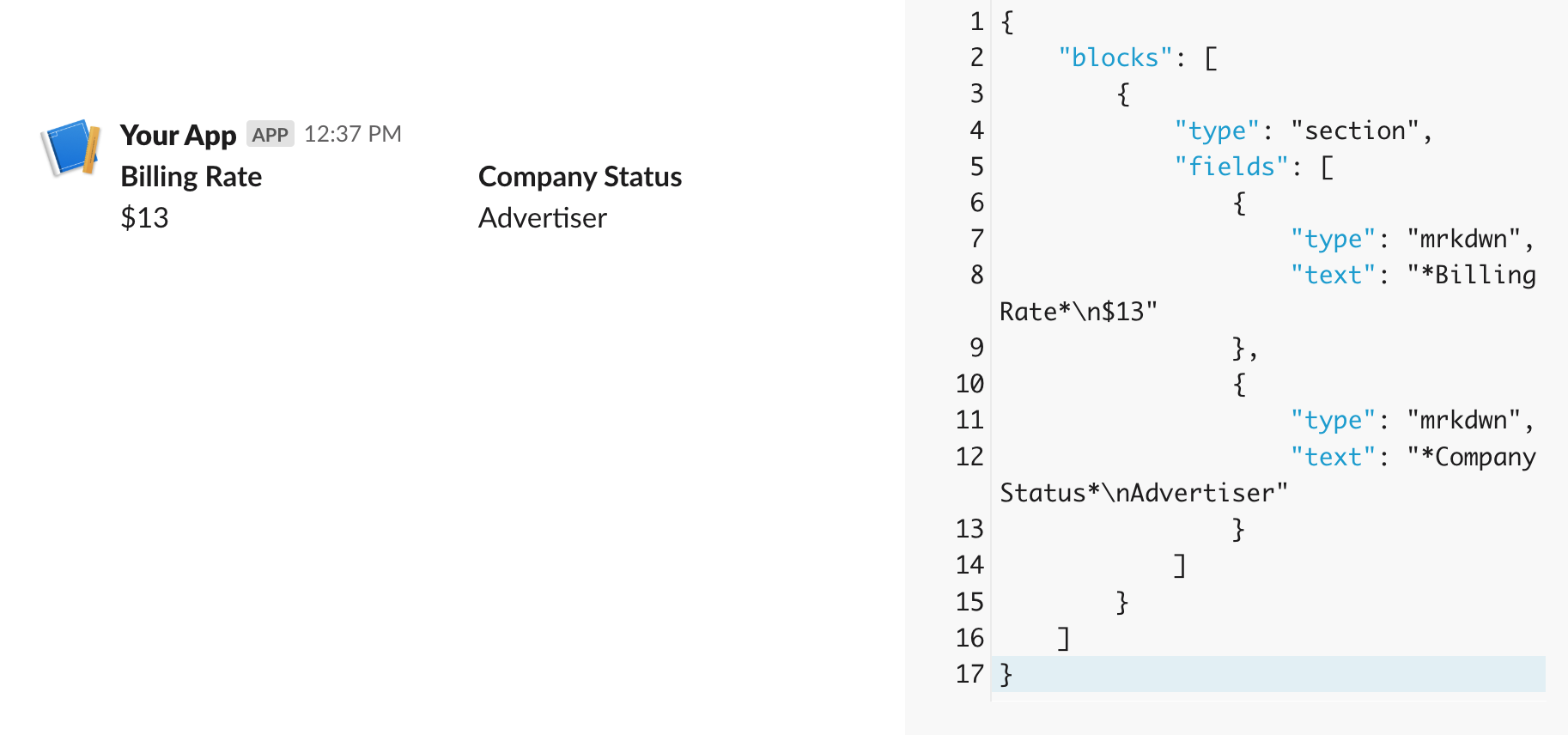
Now, what about making the various sections in our message? We basically just need another simple method that takes in the section text and outputs the right formating for the Slack API
Args: title: The title of the field (will be bolded) value: The value of the field
Returns: Field object for use in section blocks*
test_eq(BlockBuilder.create_field('The Top, Important Part','Less important Part'), {'type': 'mrkdwn', 'text': '*The Top, Important Part*\nLess important Part'})BlockBuilder.create_field('The Top, Important Part','Less important Part')
{'type': 'mrkdwn', 'text': '*The Top, Important Part*\nLess important Part'}
That would be used for things like BlockBuilder.create_field(column_name,row_value) to add the column details to the message
Now that we can make an individual field, let’s make a way to take in multiple fields and turn them into a section since we’ll often want to show the values for multiple columns:
test_eq(BlockBuilder.create_context_block('Here is some informaiton'),{'type': 'context','elements': [{'type': 'mrkdwn', 'text': 'Here is some informaiton'}]})BlockBuilder.create_context_block('Here is some informaiton')
{'type': 'context',
 'elements': [{'type': 'mrkdwn', 'text': 'Here is some informaiton'}]}
We also probably want a way to make dividers since those are always helpful for layout messages:
Since would like to allow users to add metadata to messages (which is helpful for processing the messages by the slack bot), let’s also create a method for turning column values into message context: